Divi5 Accessibility: Links and Buttons
To resolve accessibility issues in Divi5 related to links and buttons, you must apply ARIA roles correctly and use semantically correct HTML when possible.

Elevage Digital articles on website accessibility and ADA-compliant website best practices.
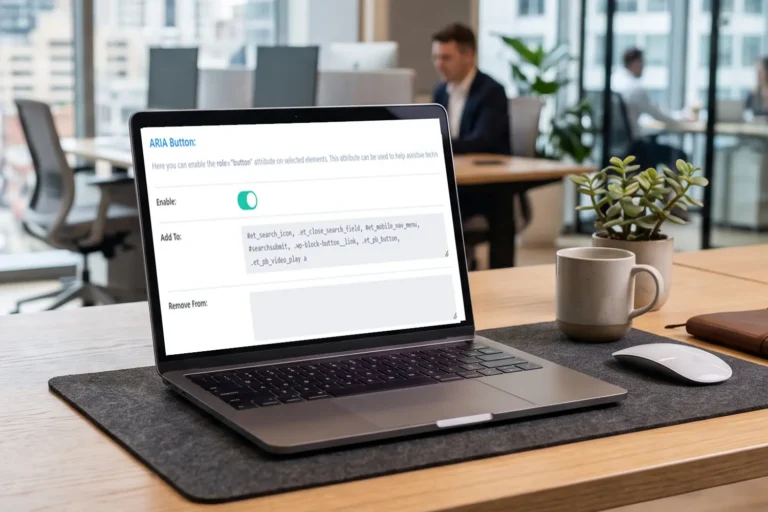
To resolve accessibility issues in Divi5 related to links and buttons, you must apply ARIA roles correctly and use semantically correct HTML when possible.
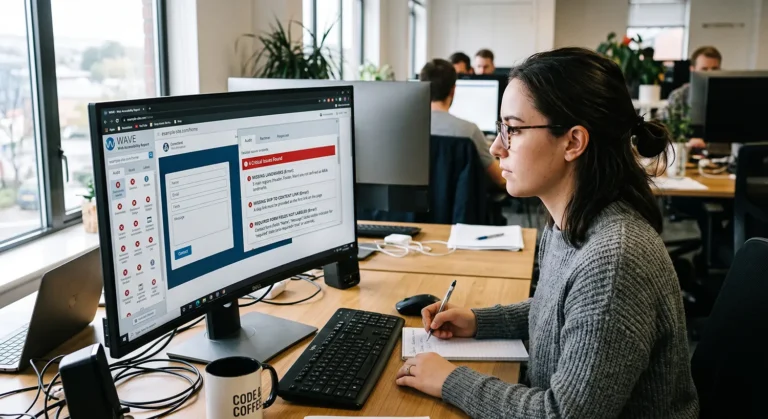
A review of GoDaddy Airo websites uncovered critical or high-severity WCAG failures that could significantly impact users who rely on assistive technologies.
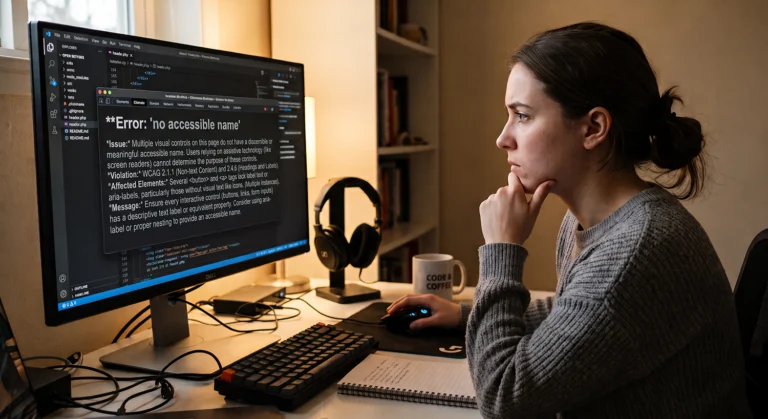
Links that only contain an image without alt text fail WCAG because there is no clear link purpose or accessible name
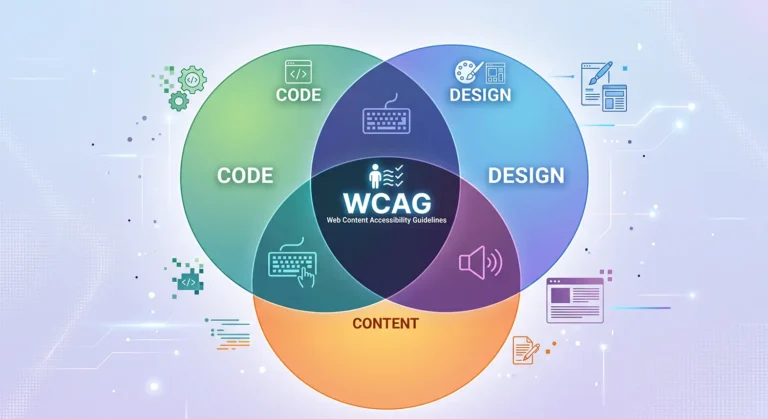
An accessible website that meets WCAG requirements combines good code, design, and content. A failure in any one of these areas is a failure for the whole site.
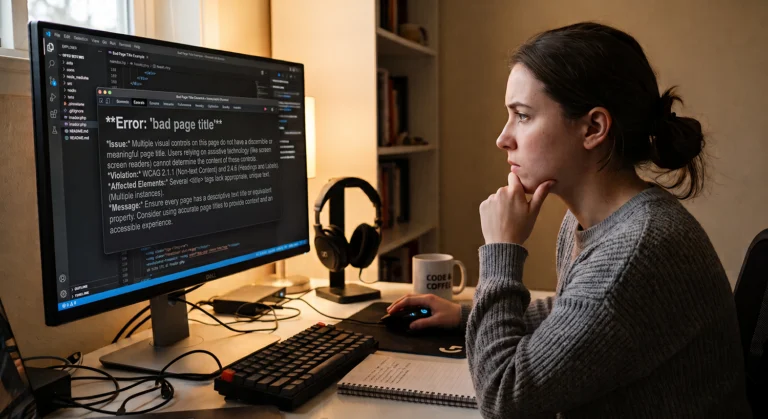
A bad page title that is not accurate or informative can hurt your website accessibility as well as SEO/AEO.
Version 1.2 includes a significant update to menu styling to better support combinations of links and buttons within dropdown menus.
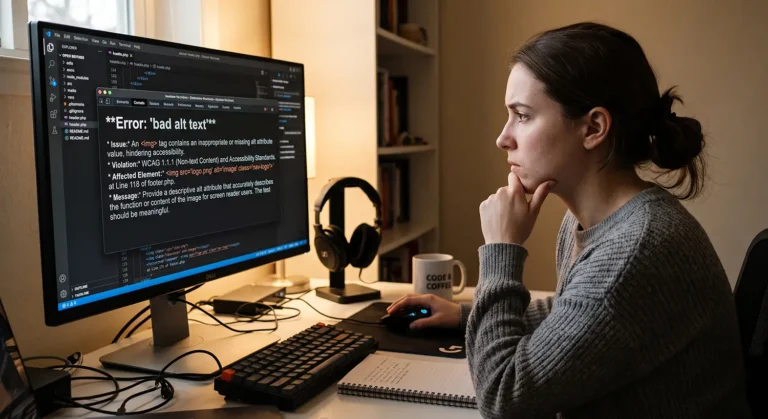
Three specific failures for WCAG 1.1.1 Non-Text Content where alt text and the ALT attribute are used incorrectly
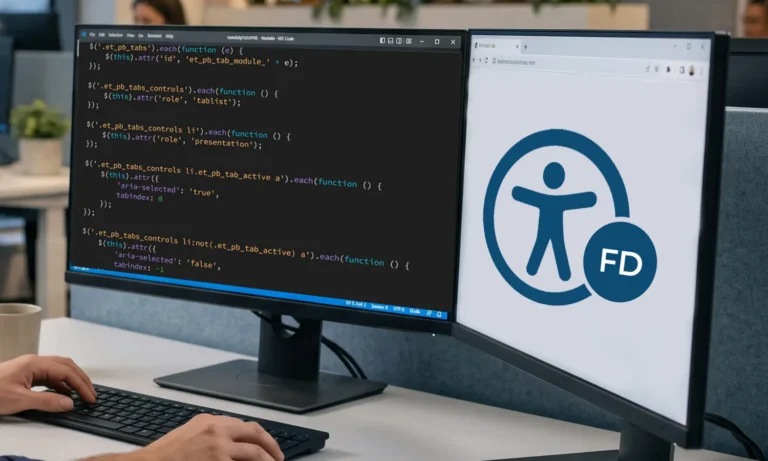
The popular Divi theme and page builder have some pretty significant accessibility issues. There are several strategies to improve Divi accessibility.